
How to Mount NTFS Partition in Linux to Access Windows Files: In this simple guide, we cover how to easily mount and access a Windows NTFS partition from a running Linux environment. Whether you need to repair a Windows system, recover files, or just share and access data in a dual boot setup, knowing how to work with NTFS partitions on Linux can be invaluable.
Mounting Windows NTFS Partitions in Linux
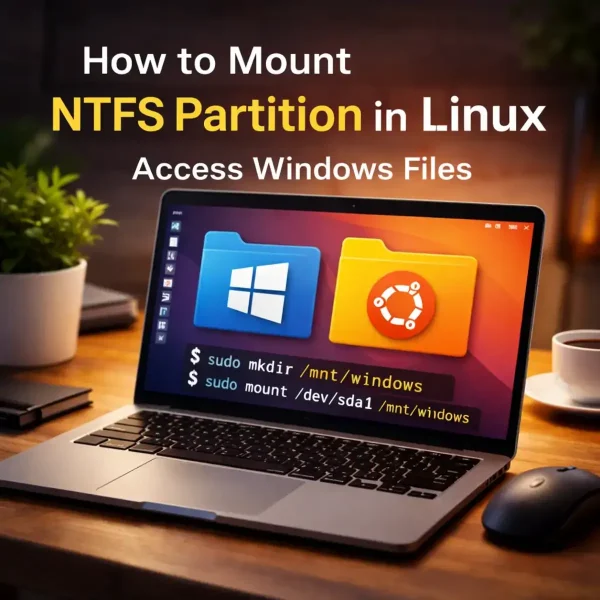
Accessing NTFS partitions in Linux is straightforward, especially for users of Debian based distributions like Ubuntu. With modern tools like ntfs-3g and built-in support in most distributions, the entire process can be completed quickly.
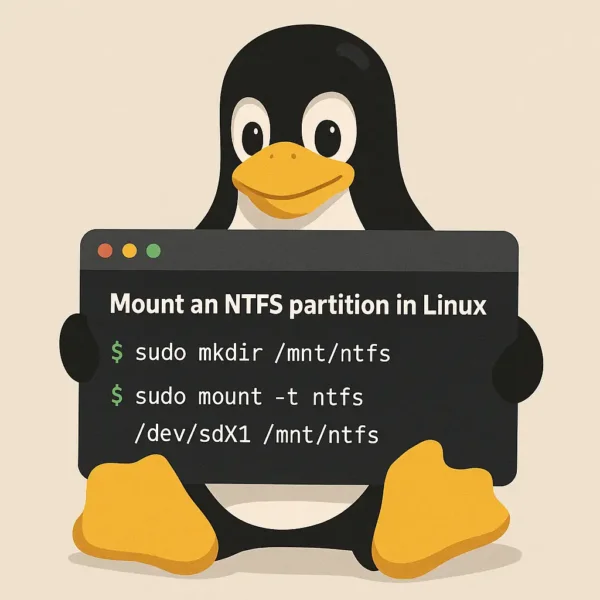
Understanding NTFS and Linux Compatibility
NTFS, or New Technology File System, is the default file system for Windows. Linux systems can access NTFS partitions using the ntfs-3g driver, which allows both reading and writing. However, if the Windows system was not properly shut down, the NTFS partition may be in a 'dirty' state, which can lead to read-only access in Linux.
How to Mount NTFS Partition in Linux | Access Windows Files
- Open a terminal: Press Ctrl + Alt + T.
- Locate the NTFS partition: List all available partitions using:
lsblkIdentify the partition that contains the NTFS filesystem (e.g., /dev/sda1, /dev/nvme0n1p1).
- Create a mount point: Create a directory where you will mount the NTFS partition:
sudo mkdir /mnt/windows - Mount the NTFS partition:
sudo mount /dev/sda1 /mnt/windowsReplace sda1 with your actual NTFS partition. For permission issues, specify user and group:
sudo mount -o uid=1000,gid=1000 /dev/sda1 /mnt/windows - Move to the mounted directory:
cd /mnt/windows - List the files:
lsAlternatively, you can navigate to /mnt/windows in your file manager to access the NTFS files.
Note: To unmount the Windows NTFS partition, run:
sudo umount /mnt/windows/By following these steps, you can easily access and manage and access Windows files from your Linux environment.
If you found this tutorial useful, check out our guide on Accessing Linux Files from Windows.
Frequently Asked Questions (FAQ)
Can Linux write to NTFS partitions?
Yes, Linux can both read and write to NTFS partitions using the ntfs-3g driver. However, if the NTFS partition is not properly shut down in Windows, Linux may mount it as read-only.
Why can't I write to my NTFS partition in Linux?
If the NTFS partition is in a 'dirty' state, Linux may mount it as read-only to avoid data corruption. Resolve this by safely shutting down Windows or running chkdsk in Windows.
How do I find my NTFS partition on Linux?
Use lsblk in the terminal to list all drives and partitions. Look for the one formatted with NTFS (e.g., /dev/sda1).
What do I do if I can't see my NTFS partition?
Check if the partition is properly connected and recognized using lsblk. If it still doesn't appear, it may be a hardware issue or the partition may not be formatted.
Can I mount an NTFS partition automatically on startup?
Yes, add the partition to /etc/fstab with appropriate options to mount it automatically at boot.
How do I unmount an NTFS partition?
Run sudo umount /mnt/windows/. Ensure no files or programs are using the partition to avoid corruption.
How do I mount NTFS partitions with user permissions?
Use the -o uid=1000,gid=1000 option when mounting. Replace 1000 with your user and group ID.
Can I access NTFS partitions if Windows is not installed?
Yes, as long as the NTFS partition is formatted and contains data, Linux can mount and access it without Windows installed.
Final Thoughts
Mounting NTFS partitions in Linux is essential for dual-boot systems, troubleshooting Windows, or recovering critical data. With modern Linux distributions and tools like ntfs-3g, accessing Windows files is straightforward.
Remember, partitions in a 'dirty' state may mount read only due to improper Windows shutdowns. Safely shutting down Windows or running disk repair usually resolves this.
Mastering NTFS mounting ensures you can seamlessly access Windows files and allows for file management across both Windows and Linux, empowering users using multi-OS setups.
If you found this post useful, you might also be interested in learning how to convert Fat32 to NTFS without losing data.
