Create an Xubuntu Live Bootable USB flash drive with Windows. In the following section, I will show you a simple method to put Xubuntu on USB flash thumb drive using Windows and YUMI Multiboot USB Boot creation software. This process does allow for running the Xubuntu Live USB with persistence. Simply choose a persistent file size to use for storing changes during step 4.
Xubuntu Live Bootable USB
About Xubuntu Linux
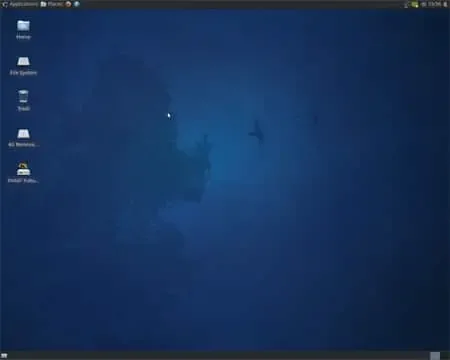
Xubuntu is essentially a fork of Ubuntu (which is based on Debian Linux). Known for its simplicity, speed, and low resource usage, it is designed to be a lightweight and efficient alternative to Ubuntu. It utilizes Xfce instead of Ubuntu's default Gnome desktop environment.
The Xfce desktop environment provides a user friendly interface while keeping system requirements relatively low. This makes this distro suitable for older or less powerful hardware, as well as for users who prefer a faster, more responsive system.
Like several other Live Linux distributions, it also includes pre installed applications, and allows users to easily install additional software from Ubuntu repositories. It follows a regular release cycle, with long term support (LTS) versions available for users who prefer stability and extended support. A simple Linux distribution that provides a complete and functional Live Linux OS, while catering to users who value performance and resource efficiency.
- Distribution Home Page: Project Homepage
- Minimum Flash Drive Capacity: 2GB
- Persistent Feature: Yes
Essentials to make a Bootable Xubuntu Live USB
- Windows 7, 8,10, 11
- Xubuntu ISO
- 2GB or larger USB flash drive (Fat32 formatted)
- YUMI (does the Xubuntu on USB conversion)
Create an Xubuntu Live USB from Windows
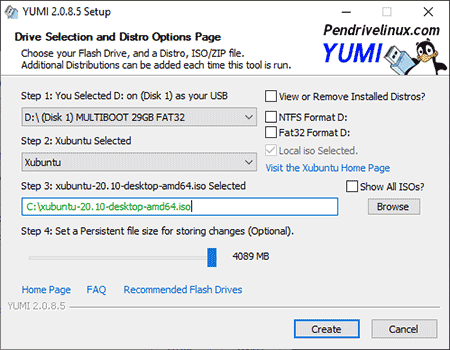
- Download and launch the YUMI Multiboot Bootable USB creation software.
- (1) Select your Flash Drive from the drop list.
- (2) Next, choose Xubuntu for the distribution.
- (3) Browse and select the ISO file.
- (4) Optionally, set a persistent file size for storing changes, and then Click Create.
- Once the script has finished, restart your PC and set your BIOS or Boot Menu to boot from the USB device, save your changes and reboot
That is all there is to it, you should now proceed to boot from your Xubuntu Live USB. Simply reboot your computer. Set your System BIOS to boot from your flash drive. Reboot, and select the menu option to run from your Xubuntu on USB.
Installing Ubuntu from USB
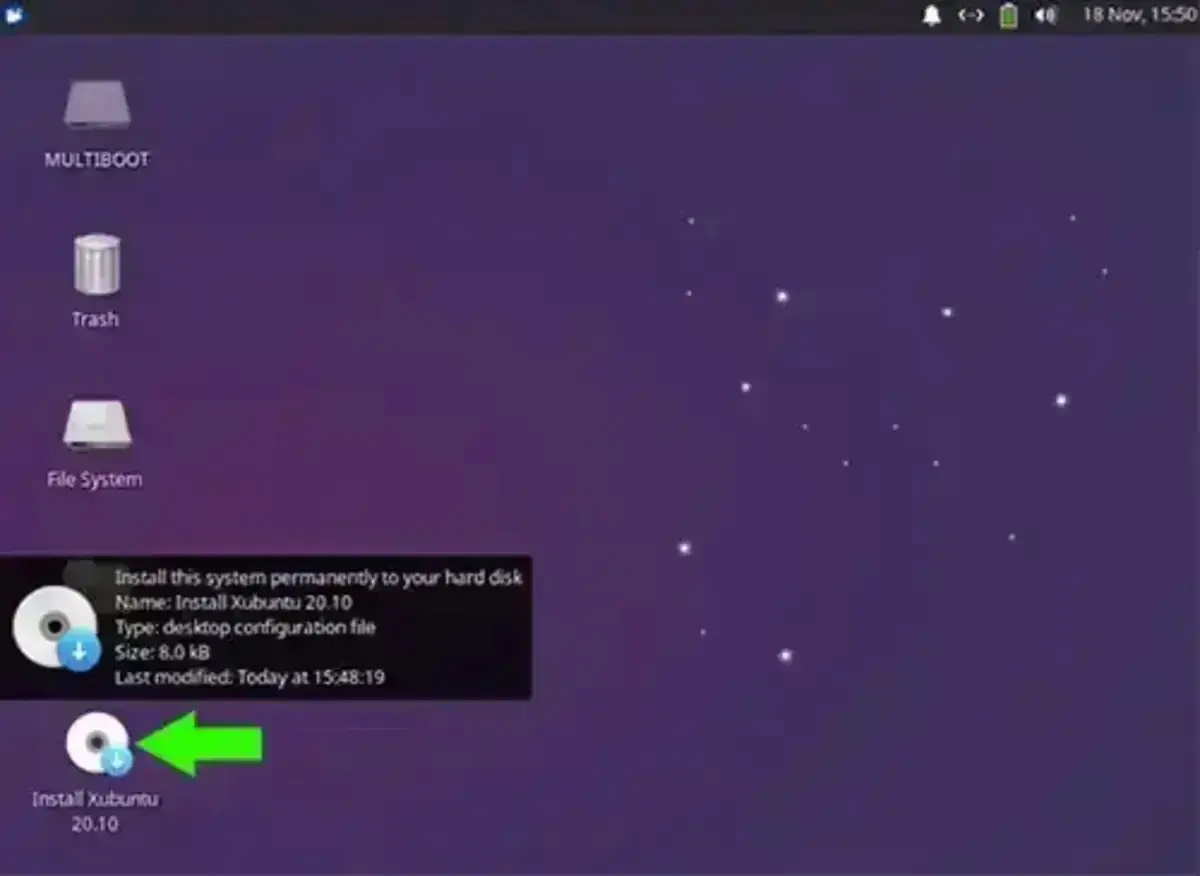
You can continue to run Xubuntu Live from USB. You can also Install Xubuntu from USB to a Hard Drive. To do this, simply select the "Install Xubuntu" shortcut on the desktop, and follow the onscreen instructions.